DMA firmware and hardware, on the record
Anyone can write the paragraph explaining what Direct Memory Access is. This page opens with the parts of it you can check instead: the build states we publish, every price in full, and the figures this site refuses to print because nothing here measures them.
What our own feed says right now
Every DMA build we sell carries a published state on the status page, including the ones that are not clean. This section reads the same status feed that page reads, narrowed to the DMA and firmware lines, as it stood the last time this page read it.
20 of 20 DMA and firmware builds are published as undetected.
- Builds listed
- 20, across 11 products.
- Carrying no state at all
- None. Every build above has a state published against it.
- Longest standing entry
- Emulated firmware, published undetected since 6 Apr 2024 and unrevised since.
Read from the status feed at 25 Sep 2026 23:50 UTC. This page refreshes that reading no more than once a minute.
Check every build on StatusPriced in the open
Every tier, every part, priced on the page
Nothing on this line is quoted in a DM. Licences start low because the hardware is a separate purchase. The configurator below prices that part, item by item, and shows you the total before you commit to anything.
- Products on this page
- 12
- 10 game lines, plus firmware and the configurator
- Separately priced licences
- 65
- £4 to £1500, software only
- Parts in the configurator
- 93
- 7 groups, £320 to £3079
Read this once, it applies to every product below. No setup should be described as impossible to detect. DMA moves the memory-reading path onto hardware and a second PC; it does not remove risk, and what remains depends on the firmware, the device behaviour, the input method and the way you play.
The firmware ladder, in full
5 tiers, each with its price and its replacement term printed next to it. The warranty ladder and the boards below are commitments this seller makes; they are not measurements, and this page keeps the two kinds of claim apart on purpose.
EmulatedPrice: £200
- Replacement
- 6 month warranty
- Anti-cheat profiles
- EAC, BE
SlottedPrice: £450
- Replacement
- 12 month warranty
- Anti-cheat profiles
- EAC, BE, ACE
Slotted v2Price: £750
- Replacement
- 24 month warranty
- Anti-cheat profiles
- EAC, BE, ACE
SignaturePrice: £1100
- Replacement
- Lifetime warranty
- Anti-cheat profiles
- EAC, BE, ACE, FACEIT, VGK
SovereignPrice: £1500
- Replacement
- Lifetime + priority
- Anti-cheat profiles
- EAC, BE, ACE, FACEIT, VGK
Supported boards: 75T, 100T, M.2. Build time is stated as 24-48h. Confirm your exact board with support before ordering: firmware is not a universal file.
Open the firmware pageWhat this page will not tell you
The figures below are the ones you would expect on a page like this, and they are missing on purpose. Nothing on this site measures them, so nothing here prints them. When another seller shows you one of them, the useful question is what instrument produced it.
- A customer count
- Nothing on this site counts customers, so there is no number here to print. The one that used to sit on the apply page had no source behind it, and it was taken down rather than left up while a real one was looked for.
- An uptime or satisfaction percentage
- Nothing here monitors uptime, and there is no satisfaction survey behind a percentage. A percentage with no instrument behind it is decoration.
- A measured patch time
- The status feed records the state of a build and the day that state changed, not the gap between a break and a fix, so no patch speed can be worked out from it. The written sub-24h guarantee on the Sovereign tier stands: that is a commitment the seller makes, not a number this site measured.
- A star rating
- Not every review published here is tied to a specific order: the legacy archive predates that link. A score averaged from them would describe the entries themselves rather than the people who bought, so until that link exists this page prints no score.
Everything on the DMA line
Open a product to compare builds, licence periods, features and hardware requirements. The price on each card is the lowest live option for that product, and the range beside it is the highest.

Fortnite
from £8 – £320

Valorant
from £6 – £199

Rust
from £20 – £320

Apex Legends
from £6 – £160
Call of Duty
from £8 – £275

Arc Raiders
from £4 – £275

GTA V & FiveM
from £20 – £320
Counter-Strike 2
from £8 – £160

Marvel Rivals
from £8 – £160

Overwatch 2
from £8 – £160
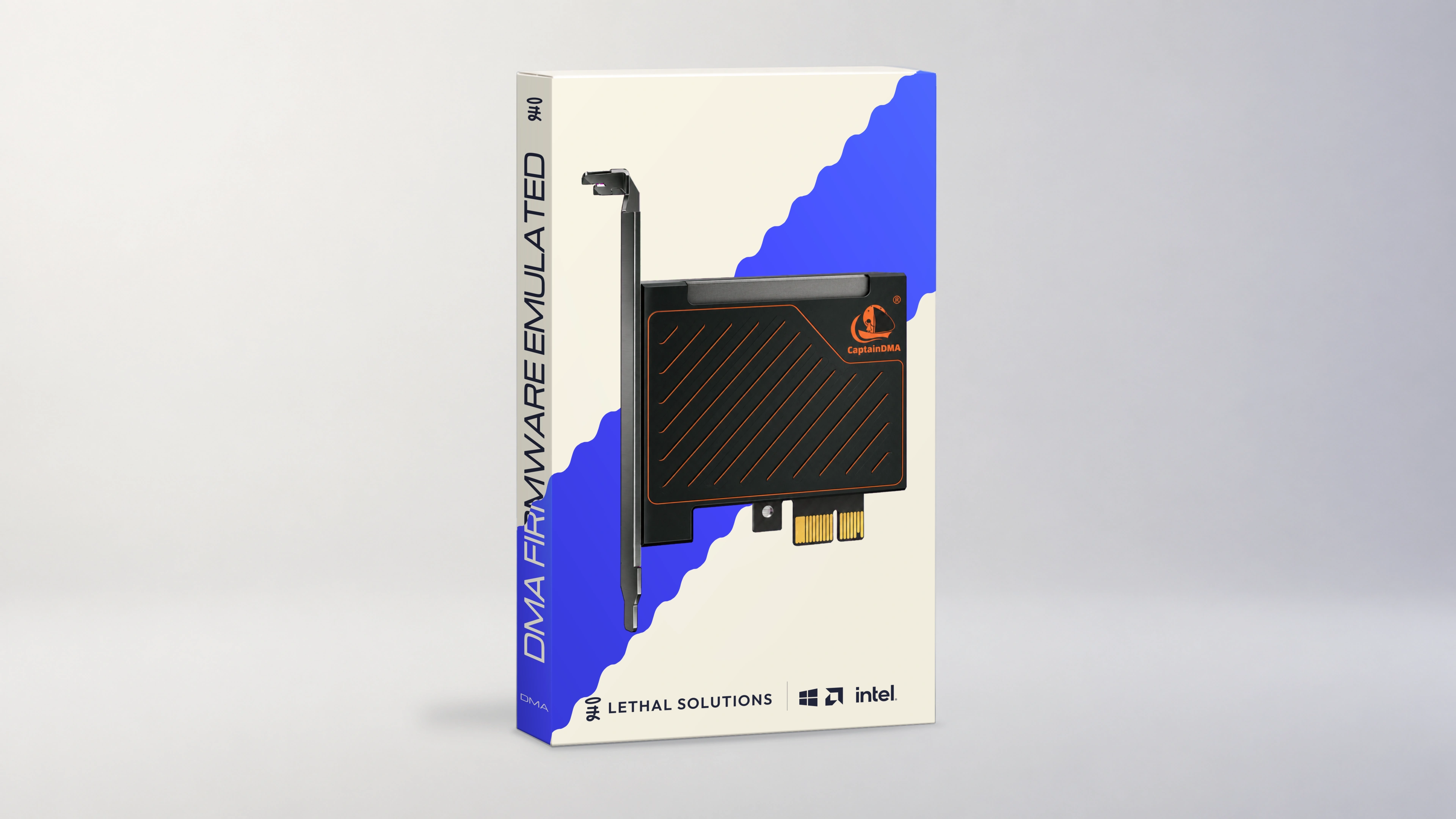
Custom DMA Firmware
from £200 – £1500
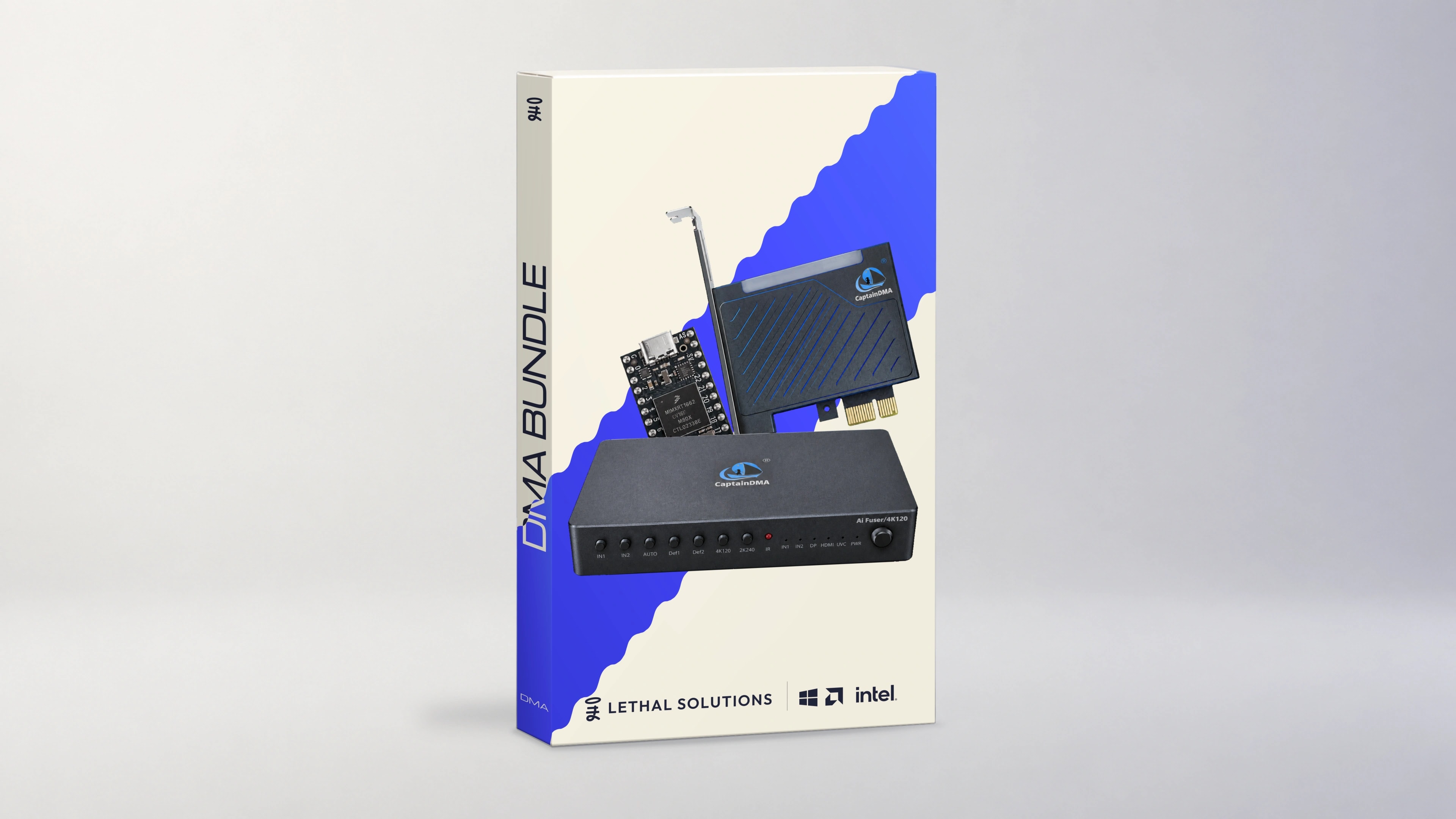
DMA Bundle
from £320 – £3079
What a DMA setup actually needs
DMA means Direct Memory Access: a PCIe card in the gaming PC lets software on a second computer read its memory. Exact requirements vary by card and game, but this is the usual two-machine architecture, and every part of it is a separate decision.
- DMA card
- A compatible FPGA board sits in a free PCIe slot on the gaming PC and provides the hardware path for memory access.
- Second PC
- The second Windows machine controls the card, runs the DMA software and handles radar or overlay output.
- Custom firmware
- Firmware configures how the FPGA board behaves. It must match the card and the intended environment; it is not a universal file.
- USB 3.0 link
- A direct, stable USB connection joins the DMA card to the second PC. Motherboard ports are preferred over hubs.
- Input device, when needed
- KMBox, MAKCU, Teensy and similar devices can route input for supported features. The exact device depends on the software.
- Compatible software
- The game-specific build, card, firmware and input method have to form one compatible stack. Check live status before buying.
93 setup guides cover the rest of it, 3 of them with a video walkthrough.
DMA FAQ
How do I check any of this myself?
Every count on this page is worked out from the same product catalogue and the same status feed the rest of the site runs on, so it moves when they move rather than when someone edits a paragraph. The one date that is not worked out that way is the standing date in the record above: we set that one by hand, and the status page publishes exactly the same one. Compare the two pages: they should agree, and if they ever do not, this page is the one that is wrong.
What does DMA mean?
Direct Memory Access. A PCIe DMA card in the gaming PC can expose memory to software running on a separate computer, and that second computer processes the data instead of the cheat running inside the game process.
Do DMA cheats require a second PC?
Most PC gaming DMA setups use a second computer to control the card, read memory and run the DMA software. The second machine can often be modest, but its exact requirements depend on the software and the display method.
Is DMA firmware universal?
No. Firmware compatibility depends on the FPGA board, hardware identifiers, target environment and selected tier. Confirm the exact card model before flashing or purchasing custom firmware.
Which games have DMA products?
The catalogue currently lists Fortnite, Valorant, Rust, Apex Legends, Call of Duty, Arc Raiders, GTA V & FiveM, CS2, Marvel Rivals, Overwatch 2, plus per-order custom firmware and the build configurator. This list is taken from the catalogue itself rather than typed out here, so it cannot fall behind it. Availability can still change after a game or anti-cheat update. The record at the top of this page is where that shows up first.
Are DMA cheats undetectable?
No setup should be described as impossible to detect. DMA can reduce the software footprint on the gaming PC, but risk still depends on firmware, device behaviour, input method, software, configuration and player behaviour. That is why this page publishes a state per build instead of a claim.
Compatibility changes. Check the live status page and confirm your exact DMA card with support before placing a firmware or hardware order.