DMA catalogue
DMA products by game.
Compare game-specific DMA cheats, custom firmware and configurable hardware. Start with the layer your setup is missing, or use the complete bundle builder when you still need a card and firmware.
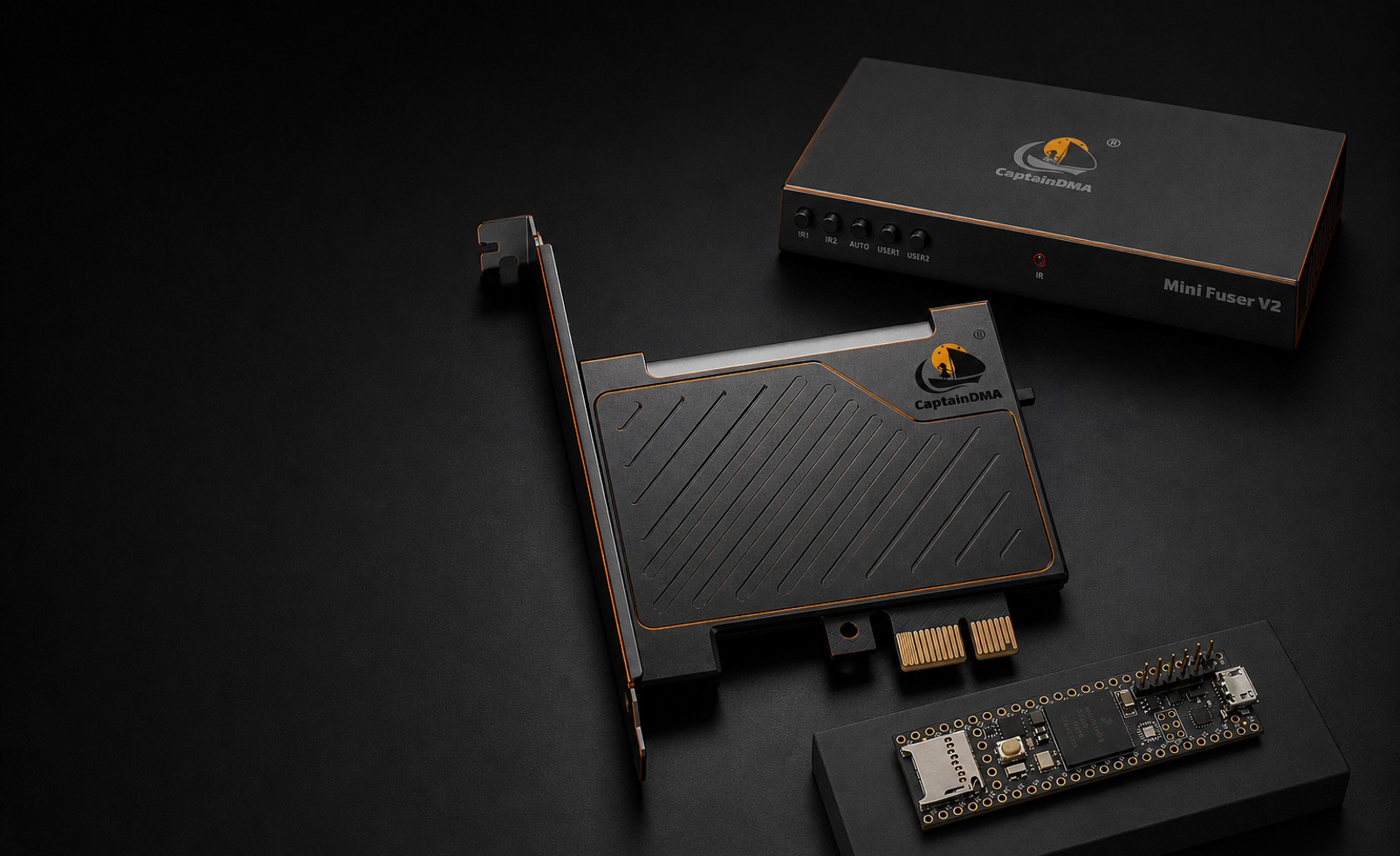
DMA buying path
Buy the missing layer, not the same layer twice.
A DMA setup is a chain of compatible parts. Game software does not replace the DMA card, and firmware does not include the game features by itself. Confirm the gaming PC has a suitable PCIe slot, identify the exact card, check the live product status and make sure the second PC has a direct USB 3 connection before ordering.
Understand the complete DMA stack
See how the card, firmware, second PC, software, input device and display route fit together before buying a component.
Open resource →Match firmware to your card
Choose firmware only after confirming the exact FPGA board, hardware identifier and game requirements for your setup.
Open resource →Configure DMA hardware
Build a stack from a DMA card and firmware, then add a fuser, input device, game software or setup service when needed.
Open resource →New to the architecture? Read what DMA cheats are, follow the second-PC setup checklist, and keep the DMA troubleshooting guide nearby for connection, DTB and memory-map issues.